- Audition is the application that you can use to record, edit, improve and refine your audio in a variety of ways. You can use it to mix audio together in a multitrack editor.
- Ways to capture audio:
- From a file use the file navigator to the lower left:
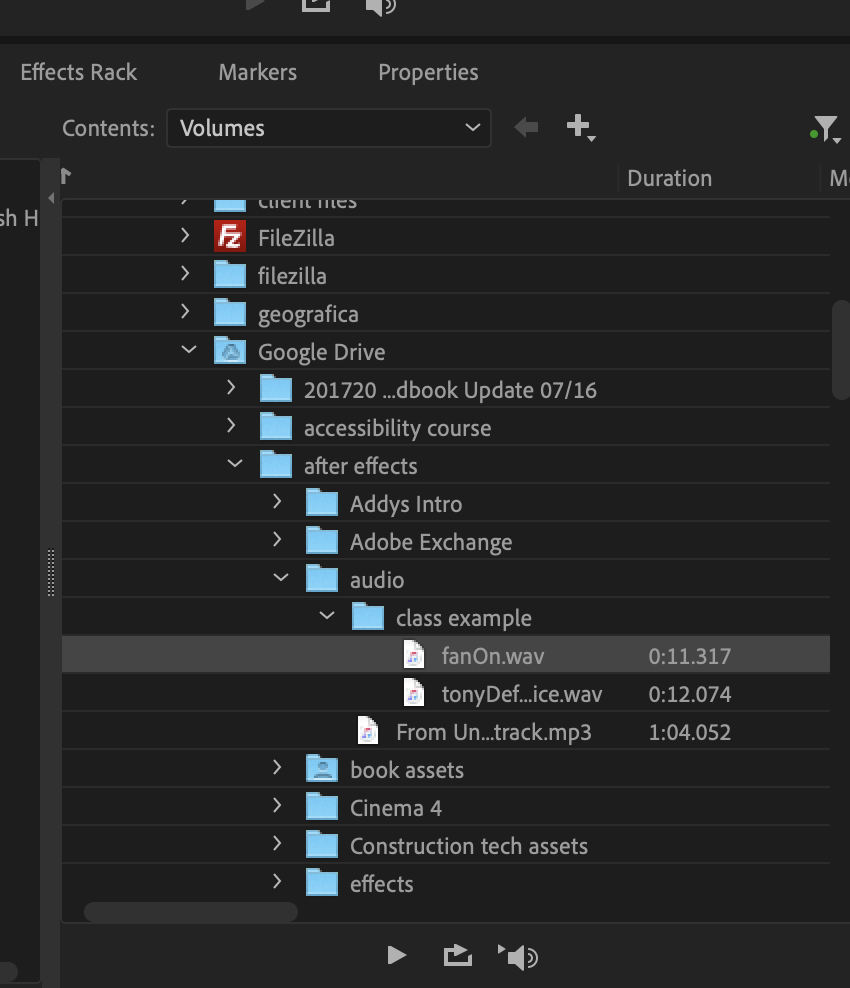
- Press the record button at the bottom for computer microphone

- From a file use the file navigator to the lower left:
- A very simple way to edit music quickly:
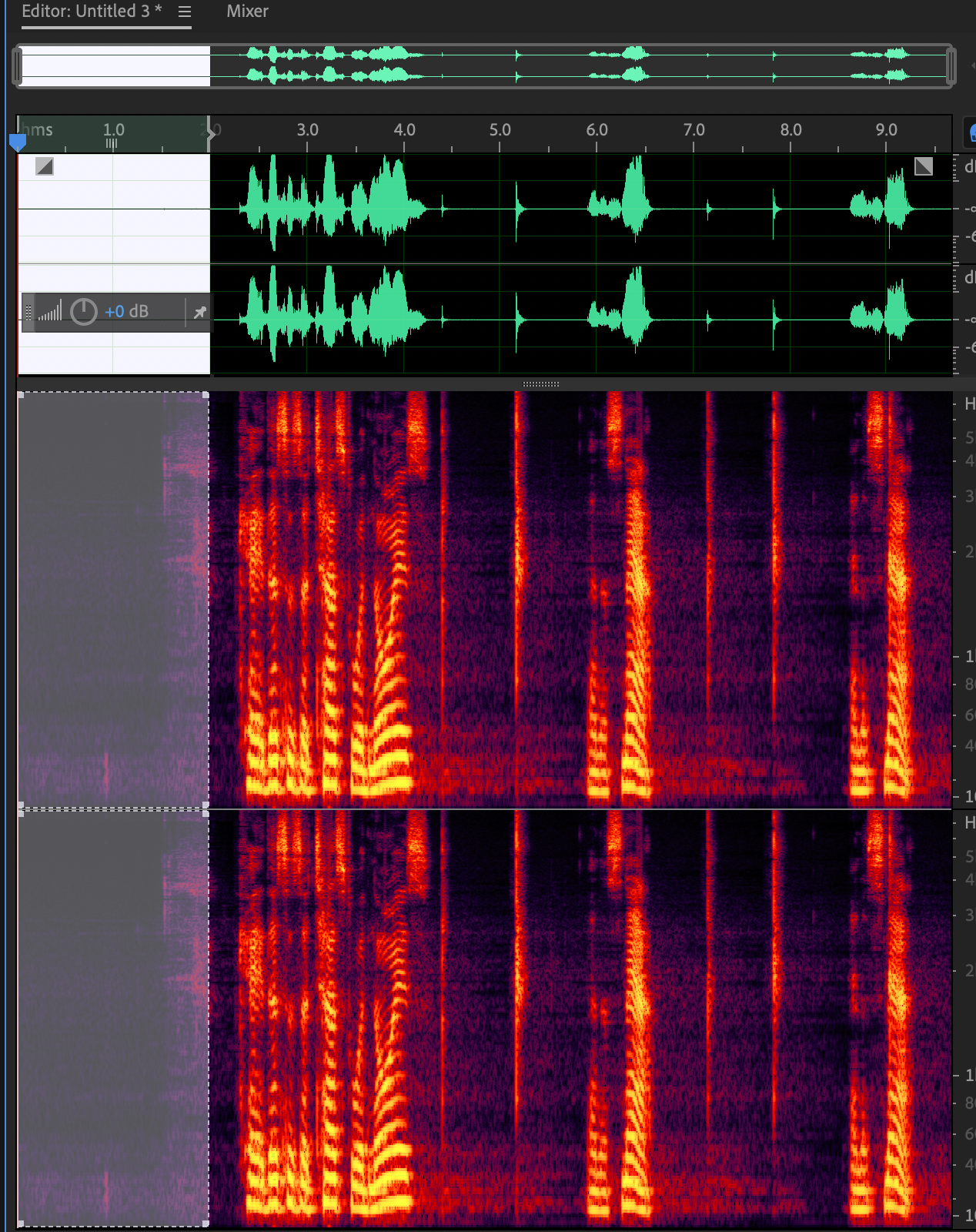
- You can remove background noise using Effects=>Noise Reduction/Restoration
- Save music edits: File=>Export=>File (save to project folder)
- Save as .wav or .aiff for full quality and large size format (recommended)
- Save as .mp3 for a compressed format