- Asset files
- The camera acts as a point of view
- Layer>new>Camera
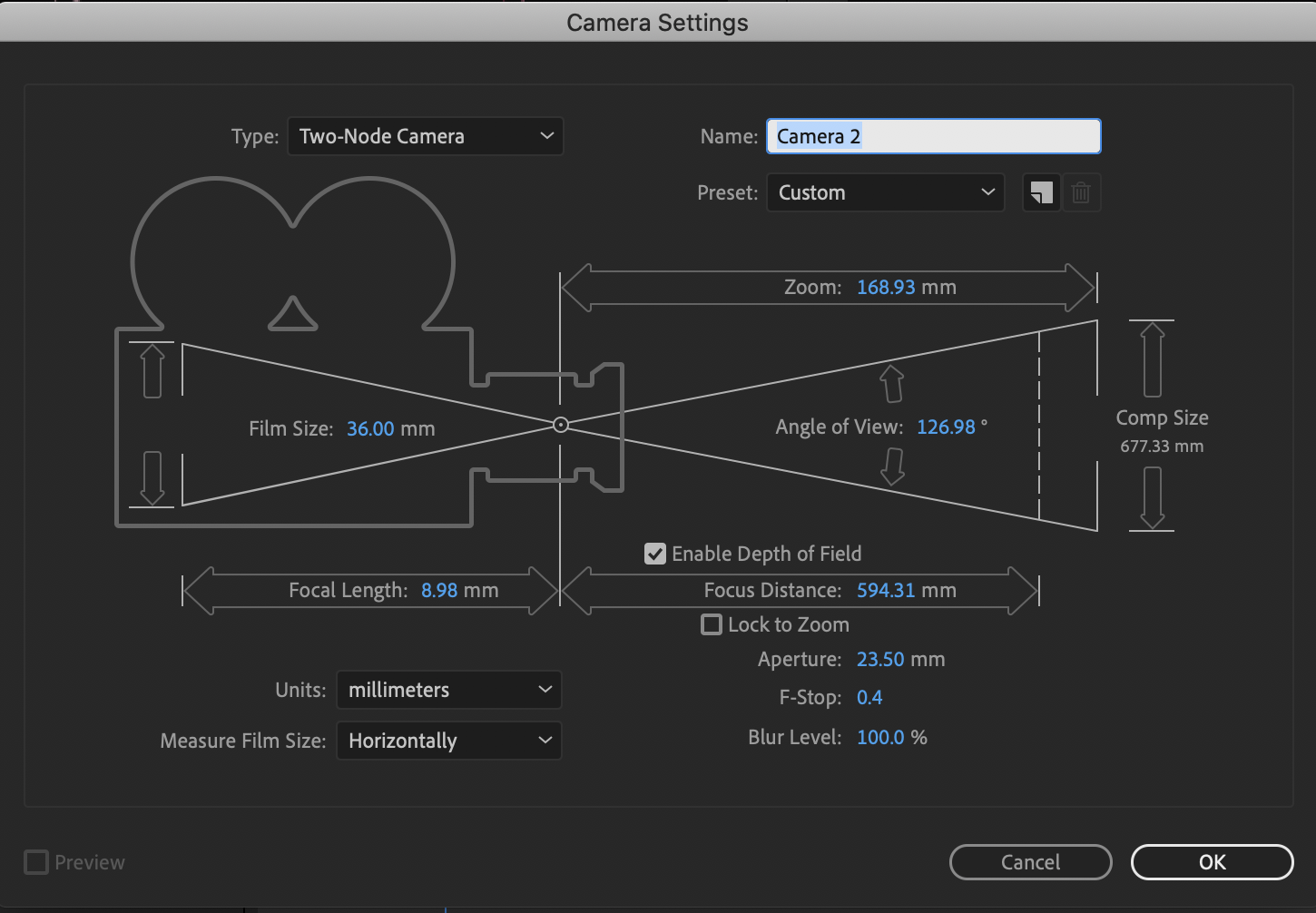
- These are easily changeable in the options in the timeline so it's not imperative to set this right.
- Things to be aware of:
- Depth of field - will allow object to blur based on distance
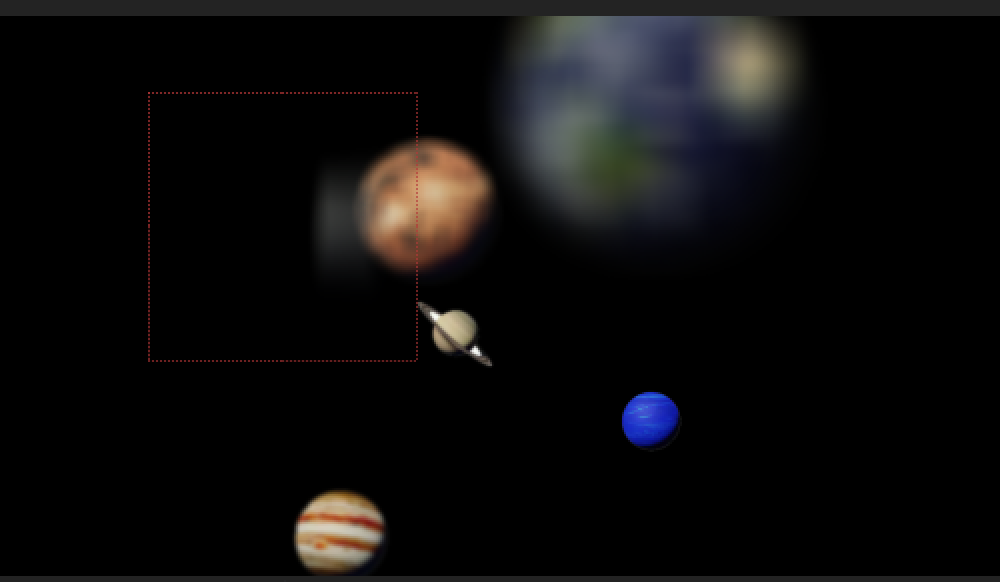
- Adjust appature expand or contract blur
- Lock in zoom
- Depth of field - will allow object to blur based on distance
- Use all the same transform settings as any other object
- Note: grab the virtual cube to move the camera with out moving the focal point
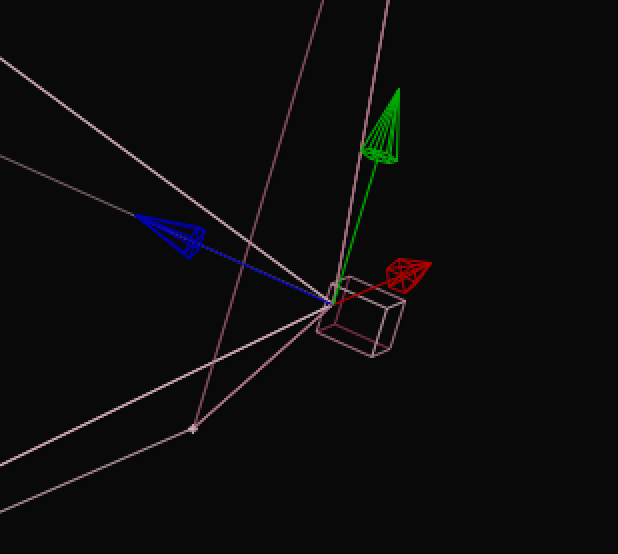
- The camera tool doesn't affect the animation...it's like a hand tool in Z space
- Note: grab the virtual cube to move the camera with out moving the focal point
- Layer>new>Camera
- For full camera control consider using a null object that the camera layer parents
