- Chapter 13 asset files
- Lecture asset files
- Fun example of masking and tracking
- One of the most useful effects you can use is the 3D Camera Tracker in motion effects. It can help you save time when it comes to tracking and re-tracking objects in scenes with a moving camera.
- Not to be confused with the Motion tracker which can be accessed with the same Tracker panel Window>Tracker
- Motion Tracker - creates a motion path of an object in the 2D comp space
- Camera Tracker - analyses the visual parallax in a shot to create a 3D scene and camera in the After Effects 3D world space that matches the shot. This means you can place objects in AE's 3D space that will match the movement and perspective of the analysed footage. A useful technique when the camera is moving and the objects in the scene are static.
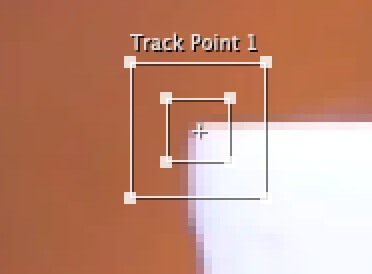
- Motion tracking works best with high contrast conditions and only analizes the target:
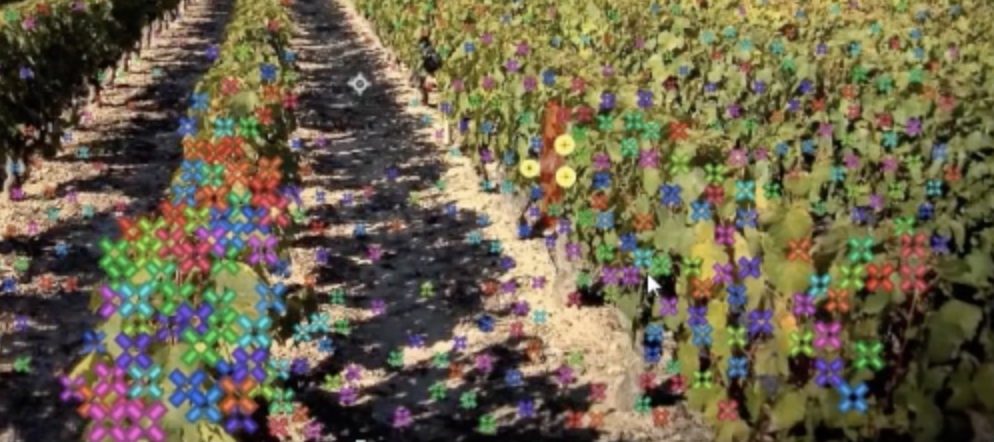
- Camera Tracking analizes the entire video clip and will allow tracking in all conditions...even low contrast. It also works well in 3D:
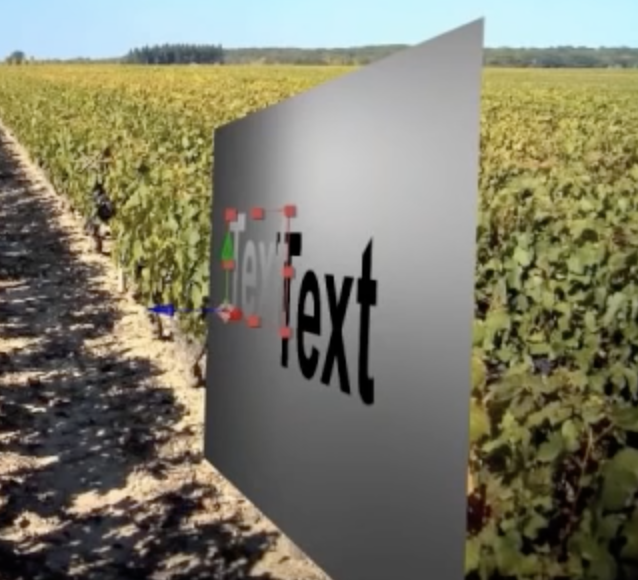
- It will also allow casting shadows...Major point - makes sure that the Shadow catcher layer is set to "Accepts Shadows" > only. Otherwise, you'll have a nasty sheet underneath:
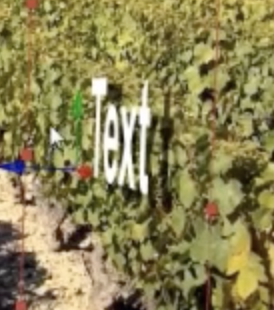
- Tip...copy the position of the text and apply to the light layer so you can find the light
Shadow caster tips - Not to be confused with the Motion tracker which can be accessed with the same Tracker panel Window>Tracker