-
- Assets
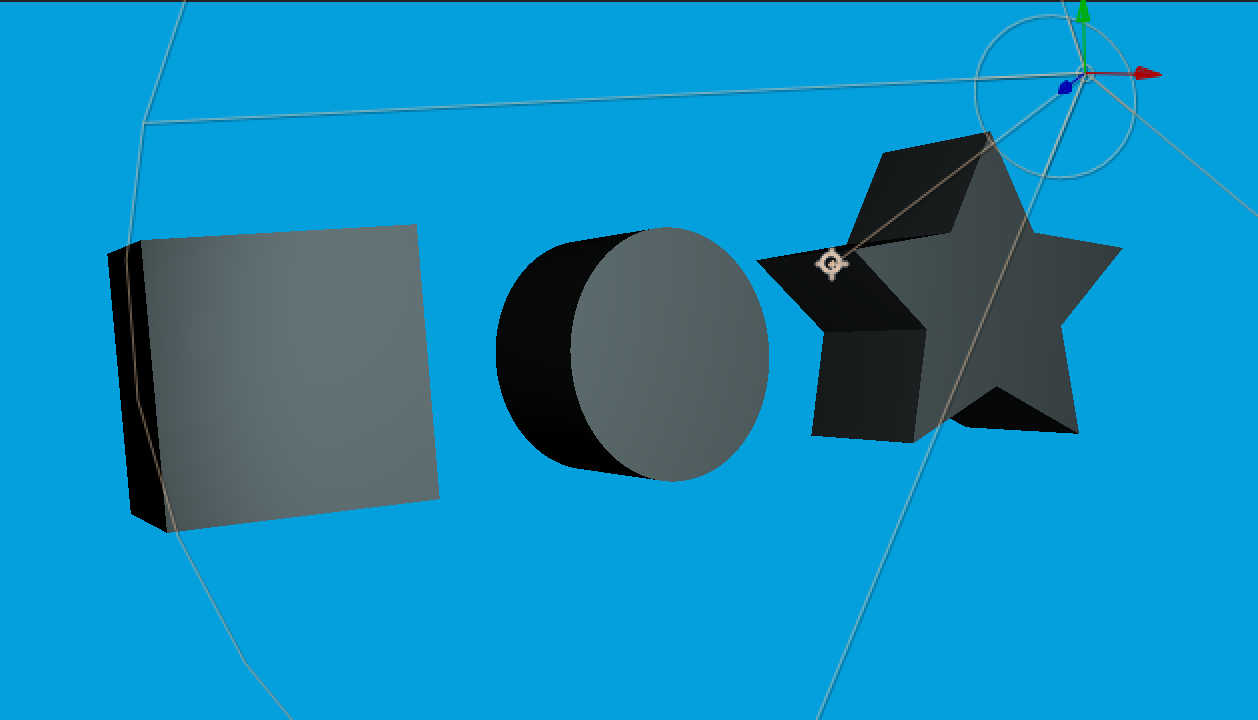
- Start by creating shapes in the composition
- Turn on 3D and make sure Cinema 4D is the renderer
- Go to Geometry options and to Extrusion Depth...like 200
- Without a light layer it will look a little puffy - Point light works fine

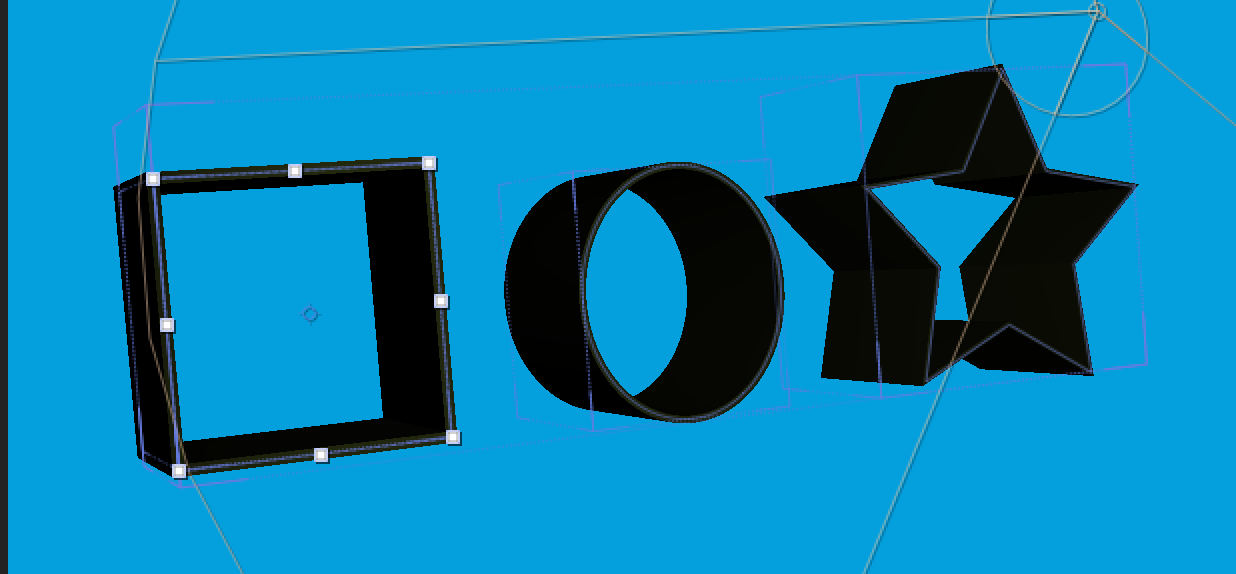
- Try changing to no fill and add a stroke to see the effect
- Of course all of this can be animated
- Without a light layer it will look a little puffy - Point light works fine
- We can also work with Imported Illustrator files
- Select illustrator artwork in the timeline and right/cntrl click > Create > Create Shapes from Vector layers
- Extrustion doesn't work directly with Illustrator files
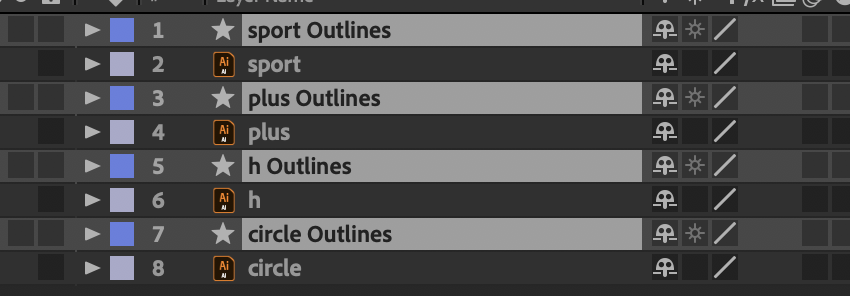
- Extrustion doesn't work directly with Illustrator files
- Shy layer the Ai layers
- Now add 3D and extrustion (around 200)
- Add a light
- Animate!

- Select illustrator artwork in the timeline and right/cntrl click > Create > Create Shapes from Vector layers
From the 3D Geometry tutorial on Lynda
- Many ways to add surface texture and reflections
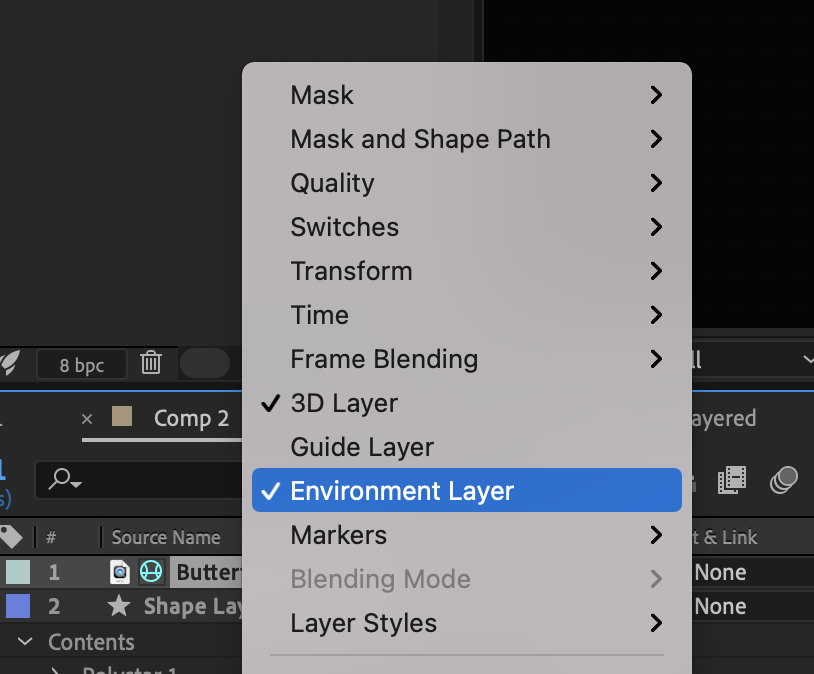
- Add any comp/video/image to the composition and right click and choose environmental layer
- Go to extruded layer and go to Material options>Reflection Intensity and increase
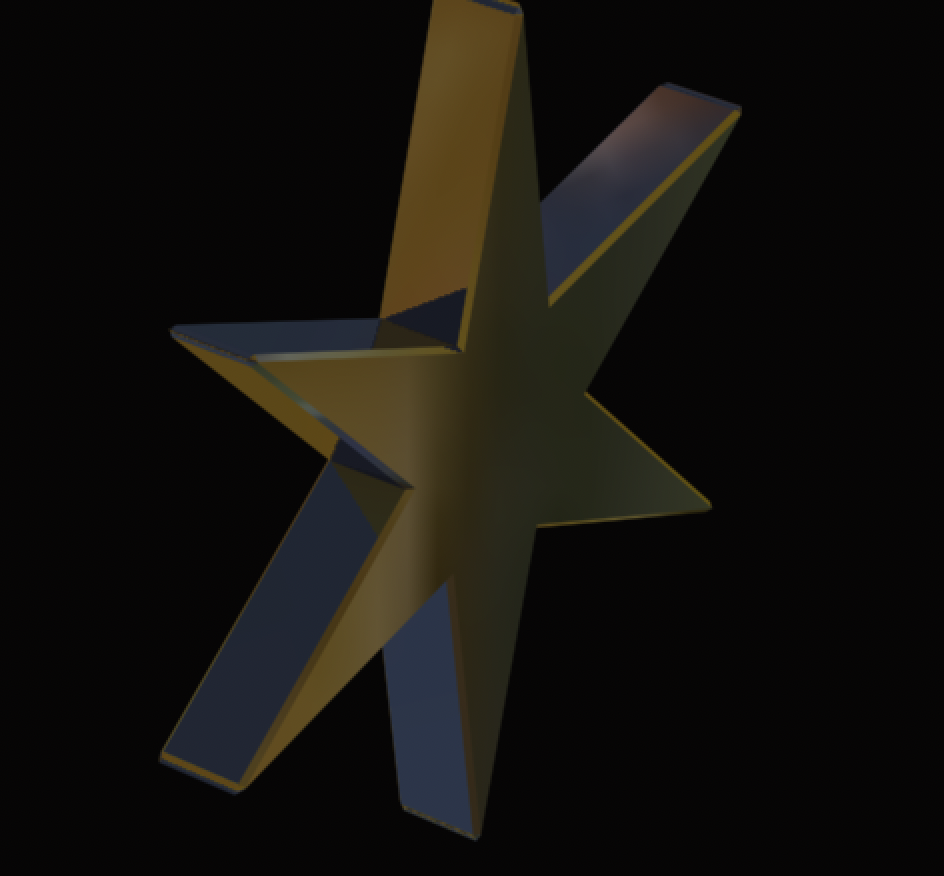
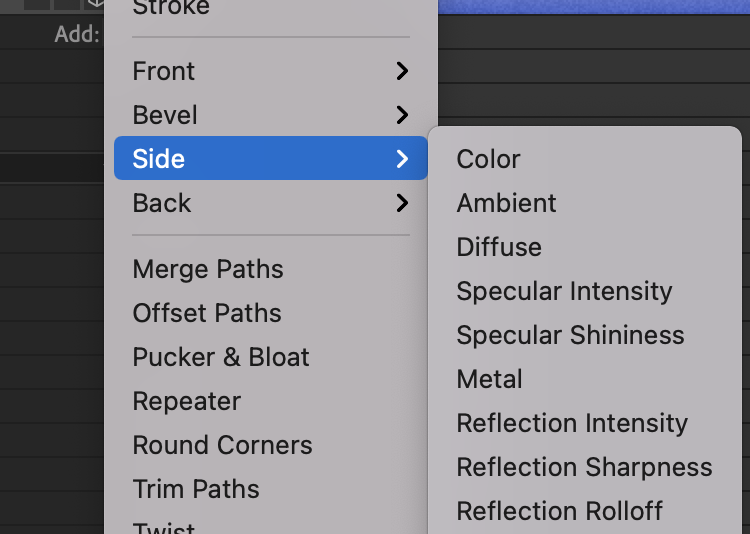
- On the shape layer go to the Add button and choose side or bevel>material option